Why Your Ukulele Will Not Stay in Tune: A Beginner Checklist
If your ukulele seems to go out of tune immediately, first decide what is changing: the open-string pitch, the sound of a fretted chord, or the tuner reading. Those are different problems.
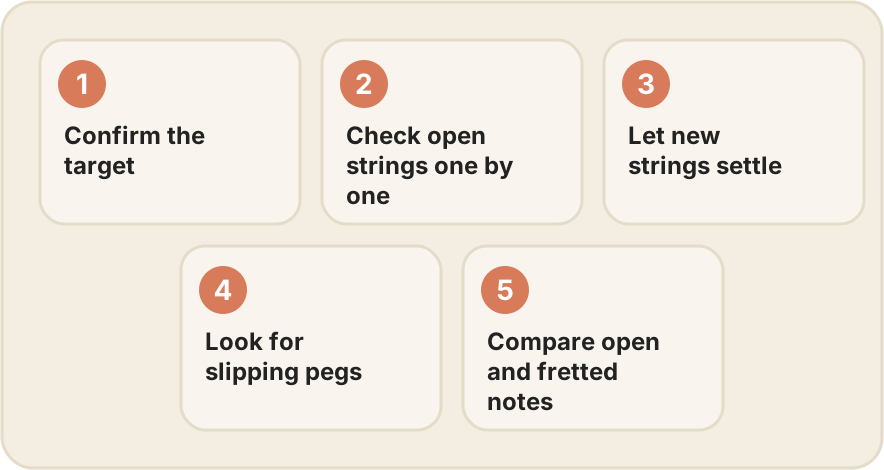
1. Confirm the target
Check that the tuner matches your instrument: high GCEA, low GCEA or another intended setup. A correct letter in the wrong octave is not a correct tuning. Revisit our string-order guide if you are unsure.
2. Check open strings separately
Pluck one string at a time and reduce background noise. A tuner listening to several ringing strings can give a less useful reading. If the open strings are stable but a chord sounds rough, check the fingering before turning the pegs again.
3. Allow new strings to settle
Fresh strings can need repeated checking as they settle. Retune gently during short practice sessions. Do not keep pulling hard on the strings or tightening far above pitch to “fix” the problem faster.
4. Look for slipping or unusual movement
Notice whether a peg moves unexpectedly or the string winding appears to slip. If a string repeatedly drops a large amount in pitch, stop and ask a teacher or repairer to inspect the attachment and hardware. Do not force a stiff peg.
5. Compare open and fretted notes
Pressing harder than needed can change a fretted note’s pitch. Try placing the finger close behind the fret with only enough pressure for a clear note. If open strings tune correctly but fretted notes remain consistently wrong, have the instrument’s setup checked rather than compensating by retuning every chord.
A short log helps: note which string changes, whether it is new, and whether the problem happens open or fretted. That is more useful than “it always sounds wrong.”
Next: check clean chord shapes. For a fresh tuning check, get Uku for iPhone and iPad. An app can help measure pitch; it cannot repair a slipping peg or an instrument setup issue.