How to Turn Your Ukulele Chord Chart into a Practice Session
A chord chart becomes easier to practise when you know where the bars are, how many beats each bar lasts and when the chord changes. Before importing a chart, check those details rather than assuming a text conversion will understand every arrangement.
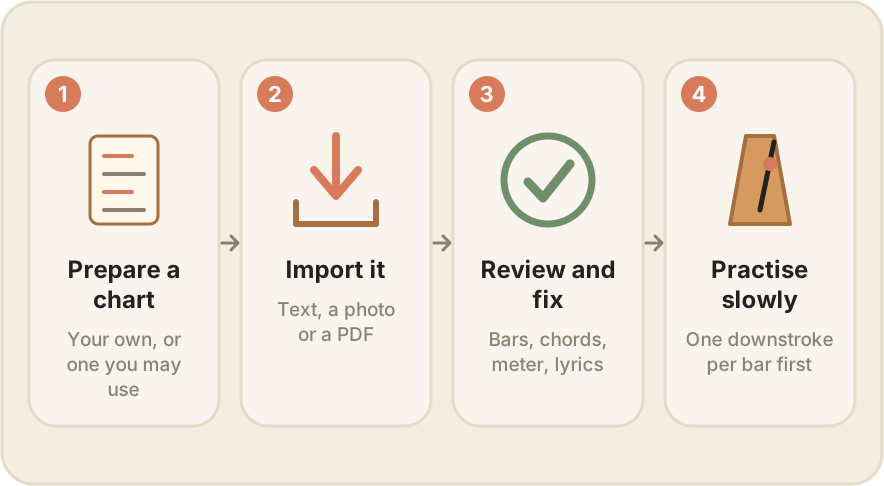
Prepare a small example
Use a chart you wrote or have permission to use. Here is an original four-bar practice sequence:
4/4 · 60 BPM · one chord per bar
C | Am | F | G7
Count four quarter-note beats for each chord. This is a practice loop, not an arrangement of a named song.
Import, then review
In Uku My Songs, open the add menu to enter a chart or import from text, an image or a PDF. The available options depend on your installed release. Follow the My Songs walkthrough, then inspect the result before playing.
Check:
- Did the title and chord names survive correctly?
- Is each chord in the intended bar?
- Is the meter correct, including any sections in a different meter?
- Did lyrics, labels or tab notes move into the wrong place?
- Does the strumming pattern match the exercise you want?
Photo and PDF recognition can misread characters or spacing. Fix the chart in the editor; do not treat an imported result as automatically accurate.
Start simpler than the final performance
Use a comfortable tempo and one downstroke per bar. Once the chord changes work, add a steadier strumming pattern. Practise a difficult group of lines in a loop before returning to the whole chart.
The chart format is intended for structured chord practice, with limits including 3/4 and 4/4 and one chord per bar. Complex within-bar changes or arbitrary PDF layouts may need a different arrangement; importing a PDF does not mean it will appear as the original page.
Next: build a short daily routine. To try your own charts, get Uku. My Songs and advanced practice follow the app’s trial and one-time unlock terms; check your current release for available features.